Adding A New Post
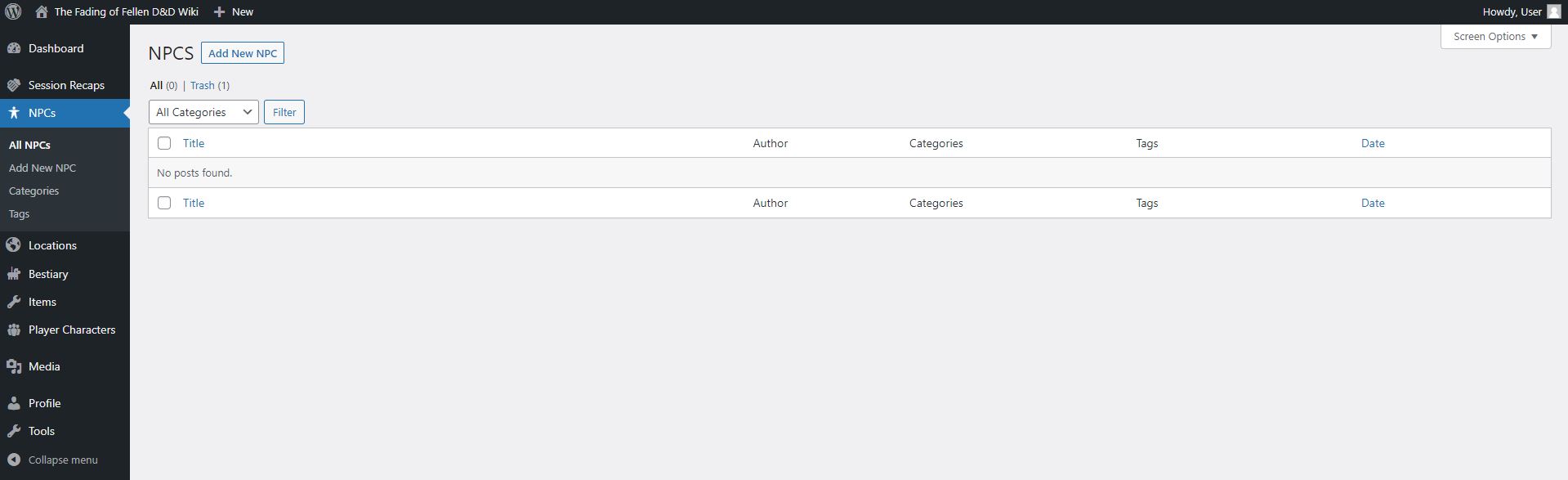 While in the post list area you can click “Add New (Post Name)” in the menu to the left or
Click “Add New (Post Name)” button to create a new post of the type.
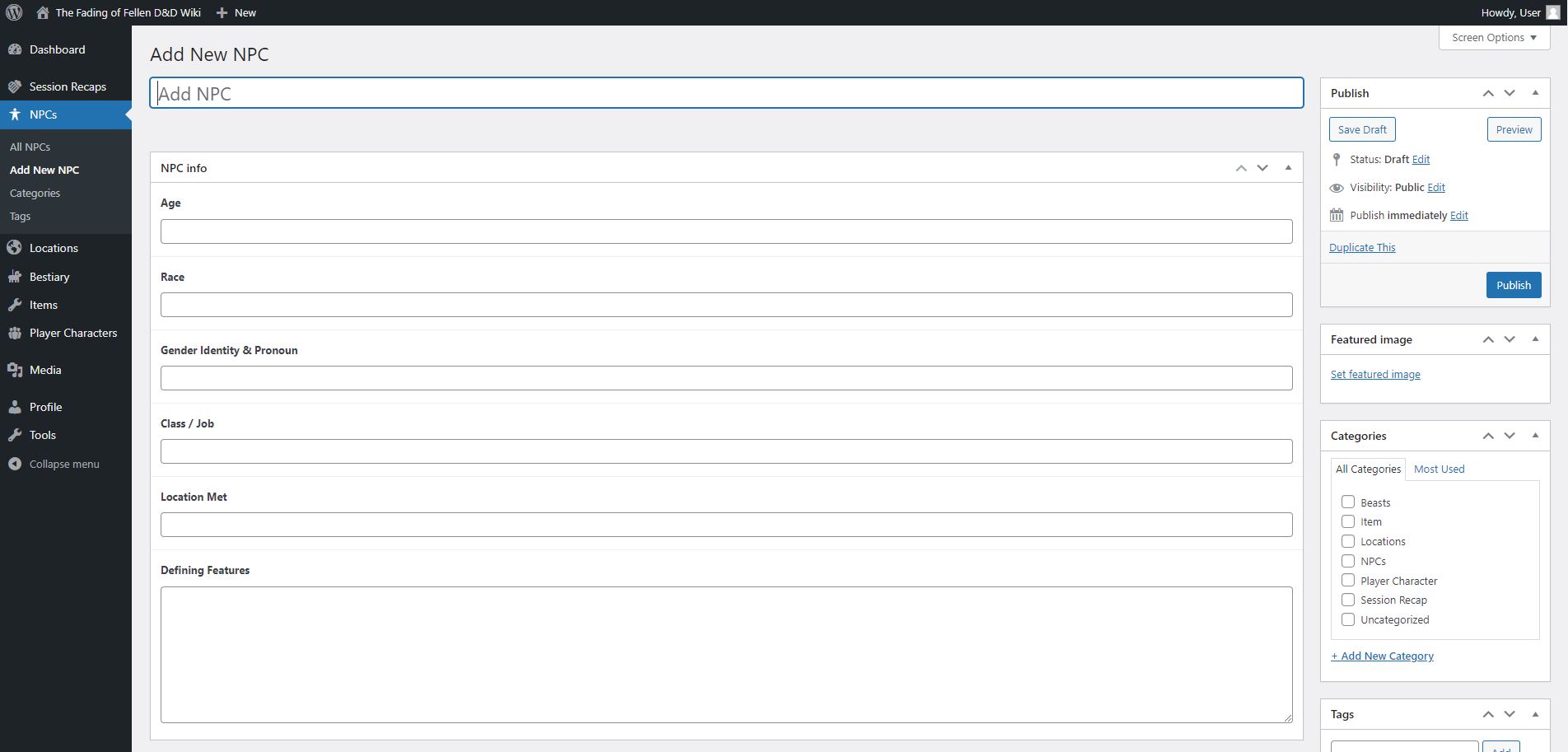
This is the post editor. You can add information to each field.
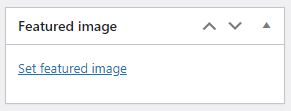
Be sure to add a featured image for all posts (the Session Recap does not need this).
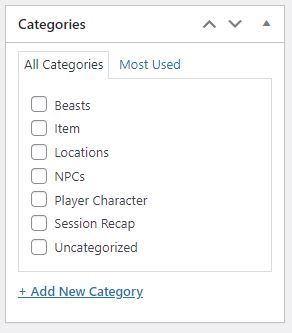
The corresponding category should be chosen for all posts as best practices.
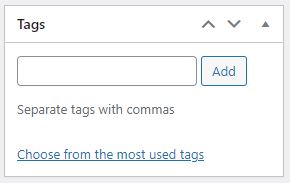
Tags are not required.
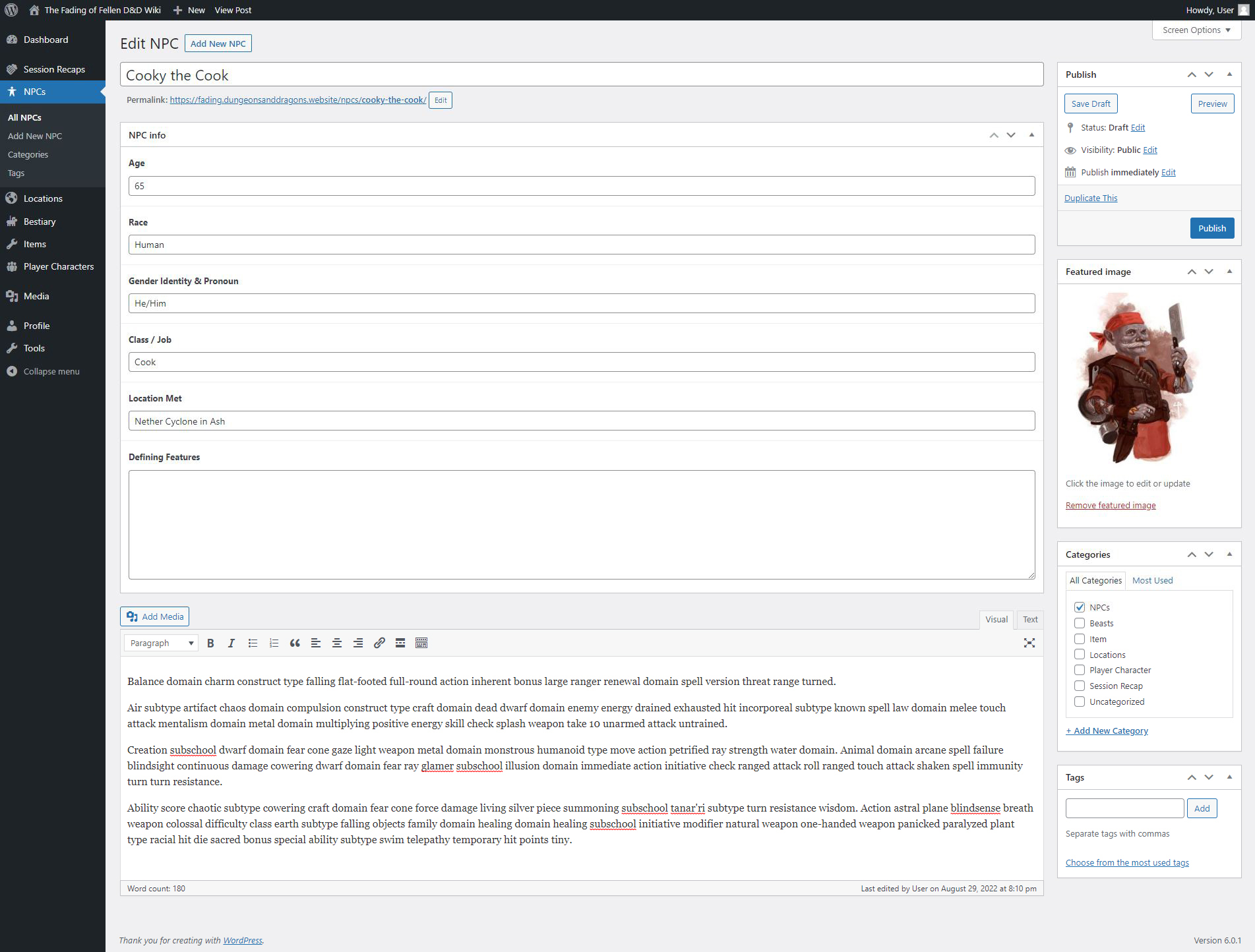
A completed post should look similar to this. Any fields not filled in will not show up on the actual post.

You can publish it by clicking the “Publish” button or save it without publishing by clicking the “Save Draft” button. The “Preview” button is self explanatory.
You can also switch the status, the visibility, and the date of publication (if it is the future, the post won’t be published until that date) by using each of their edit links.

Once published or saved you can click the “All (Post Name)” to see your post in the list of posts. If you hover over a post, a menu will come appear. Use it to edit, quick edit, trash, copy, or duplicate the post.